
Jan 18

Improving Warehouse Productivity with Warehouse Digital Signage
Discover New Possibilities! Click Here to Download Your Free eBook Today and Unlock Expert Insights! Communication is critical in a …

The digital signage industry is expanding rapidly, with an expected reach of $35.65 billion by 2030. This growth demonstrates the increasing importance of digital displays in communication, branding, and operational activities across various industries.
For your organization, it means the quality of your digital signage hardware and software now plays a significant role in how effectively you reach audiences. Selecting the right components ensures consistent performance, facilitates easier management, and yields a long-term return on investment (ROI).
This guide walks you through selecting displays, media players, content management systems (CMS) platforms, and network components—and how to match each choice with your goals, budget, and environment.

Digital signage enhances how organizations communicate—capturing attention, delivering real-time information, and improving message retention. It transforms static communication into a dynamic, measurable tool that supports marketing, operations, and customer experience.
A typical digital signage system includes:
Here is a practical guide to selecting the right components for your signage environment.
Your goals shape your hardware and CMS choices. Branding, wayfinding, menu boards, dashboards, and alert systems all require different capabilities.
Ask questions such as:
Take note that different industries require different solutions. As such, retail needs bold, high-brightness displays. Hospitals need dependable directories. Enterprises need real-time dashboards.
Choosing the right display is one of the most critical decisions in any digital signage deployment. Your industry, audience, and content format should influence your choice of screen technology to integrate into your company or business.
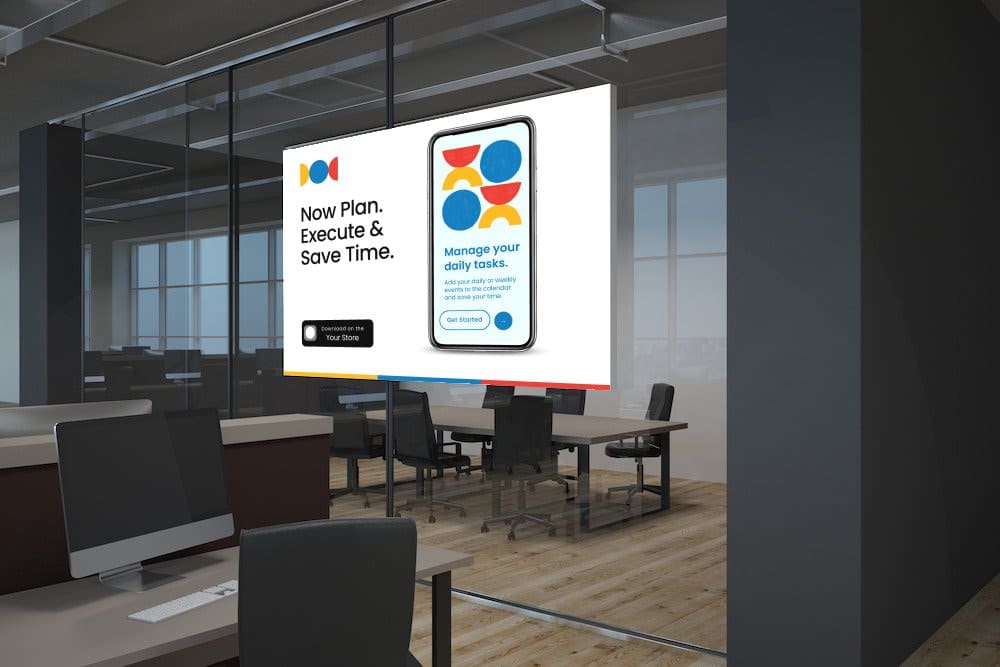
Consider whether you will display video, images, social media feeds, or real-time data, as each format requires different levels of processing and visual performance.
Content type affects your hardware needs. Animations or 4K video require stronger processing power and a more capable media player to ensure smooth playback. Static messaging, menu boards, or simple announcements run well on lower-spec hardware but still benefit from a sharp, high-resolution display.
Location also matters. Where you install your screens determines the required screen brightness (nits) and durability.
Hardware determines your signage’s longevity, image quality, and reliability. Selecting the right equipment prevents downtime and reduces maintenance costs.
Your choice has major implications for image quality, brightness, reliability, and the overall lifespan of your screens.
Consumer TVs are for home use, not business settings. They cost less upfront but lack cooling, brightness, build quality, and warranty needed for commercial use. These impairments make them unsuitable for extended use, bright areas, or busy environments.
Commercial-grade displays are designed for continuous use, offering higher durability, stronger backlighting, improved cooling, more extended warranties, and 24/7 support. They are vital for businesses that require constant uptime, professional visibility, and durable hardware in demanding conditions.
Media players render digital signage content, influence playback quality, connectivity, and performance. They also affect how smooth, dynamic, and responsive signage appears to viewers.
Internet Connectivity Options
To connect your display to the media player, use the appropriate connection type, such as HDMI, DisplayPort, or USB-C, depending on your hardware. Use commercial-grade cables to ensure signal quality and long-term durability.
A stable electrical supply is equally essential. High-demand setups like LED video walls might need dedicated circuits. Think about UPS backup systems for mission-critical installations to avoid outages during power disruptions.
Mounting Essentials
There are different types of mounting solutions designed for various environments:
Ensure your setup includes weatherproof and tamper-proof mounts for public or outdoor environments, along with enclosures that support integrated accessories such as cameras, keypads, or sensors.
Your digital signage CMS determines how easily your team can create, schedule, and monitor content. A powerful CMS improves uptime, reduces workload, and enables scalable deployments.
A robust digital signage CMS provides an intuitive, user-friendly interface that streamlines content creation and scheduling. Features such as drag-and-drop tools, playlist management, and dynamic scheduling make it easy for teams to update screens without requiring technical expertise.
This usability speeds up workflows, reduces training time, and ensures consistent messaging across all screens.
Remote management allows administrators to update content, check device status, and troubleshoot issues from any location. A good CMS provides real-time alerts, health checks, and centralized control across multiple screens or sites.
This improves uptime, reduces on-site maintenance, and allows lean teams to manage large signage networks efficiently.
Advanced CMS platforms support real-time data integration, enabling the creation of dashboards, live metrics, social media feeds, weather updates, and custom API-driven content. This transforms signage from static screens into dynamic, context-aware displays.
Real-time content keeps audiences engaged and informed, making your signage more impactful and relevant. This is especially valuable for enterprises, retail, transportation, and any environment where information changes quickly.
Cloud-based CMS platforms provide remote access, automatic updates, scalability, and lower upfront infrastructure costs. On-premise solutions offer greater control, enhanced security, and customization for organizations with strict IT policies.
Choosing the right model enables you to align your signage strategy with your IT requirements, budget, and long-term growth plans. Cloud solutions are ideal for distributed or fast-growing networks, while on-premise deployments are better suited for regulated industries and secure environments.
Total Cost of Ownership (TCO) covers the full lifecycle cost of digital signage hardware and software. Understanding TCO helps organizations budget effectively, avoid unexpected expenses, and assess long-term ROI, rather than just focusing on the upfront price.
TCO covers all deployment and operational costs, including hardware, software, installation, networking, mounts, warranties, and ongoing content development. Including these helps you choose a digital signage solution suited to your current needs and future strategy.
Beyond the screens and software, organizations must account for installation labor, network infrastructure upgrades, routine maintenance, commercial-grade warranties, staff training, and hardware replacement cycles.
These costs can add up over time, making it essential to plan ahead to avoid budget gaps and operational disruptions.
Commercial hardware helps organizations lower overall operating costs and improve ROI by delivering more reliable performance and longer service life.
Commercial displays are for continuous use, higher brightness, stronger cooling, and longer warranties. Consumer TVs are built for short daily viewing and typically fail faster in business environments.
Cloud CMS offers scalability, easier remote management, and lower upfront infrastructure costs. On-premise Organizations prefer on-premise CMS in environments that require strict security or regulatory control.
Match screen size to viewing distance and audience density. Use 1080p for general signage and 4K for large displays, detail-heavy content, or high-visibility areas.
Yes—most modern CMS operating systems support integrations through APIs, enabling live dashboards, data feeds, POS updates, scheduling tools, and third-party applications.
Expect additional expenses for installation, cabling, networking, maintenance, commercial warranties, staff training, and periodic hardware replacements.
Choosing the best digital signage hardware and software for your organization or business is one of the most effective ways to boost engagement, reduce downtime, and improve long-term ROI. When your system works together, your content remains clear, consistent, and impactful across every location.As a trusted provider of professional digital signage solutions, S3 Technologies helps businesses design, deploy, and manage systems that deliver strong performance and long-term value—partner with us to build a future-proof signage strategy tailored to your industry and communication needs.tem for your organization.
Discover New Possibilities! Click Here to Download Your Free eBook Today and Unlock Expert Insights! Communication is critical in a …

If you’re an HR or Communications leader, have you ever considered making your corporate messages hit the right note? Well, …
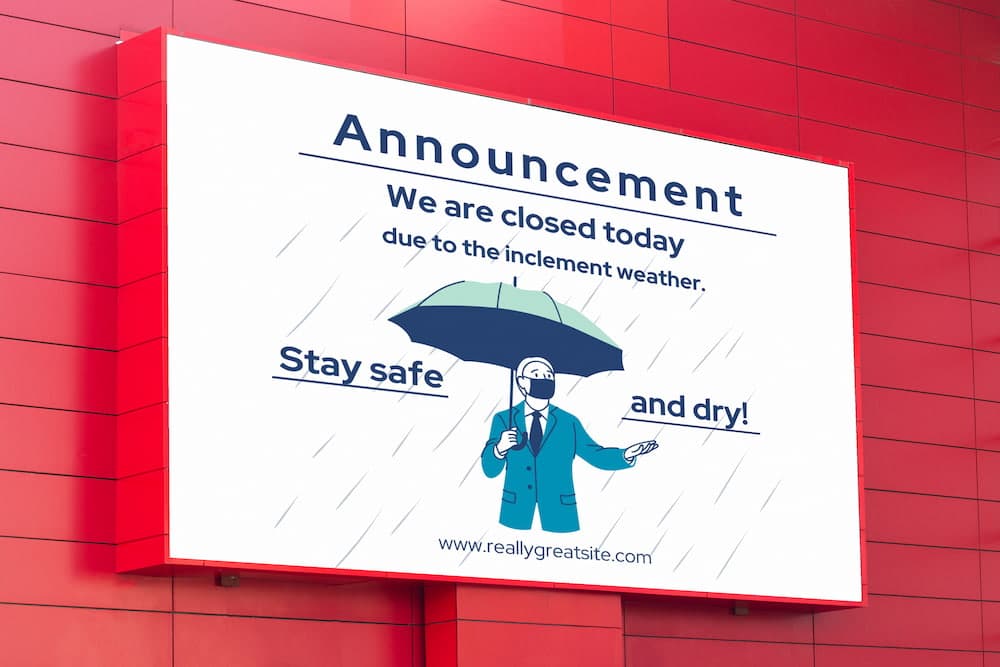
Digital signage health and safety helps manage staff members and can also help ensure the safety of your employees. Notifying …

When shift labor is involved, three distinct eight-hour shifts are typically worked in 24 hours. A manager is normally assigned …