
Apr 01
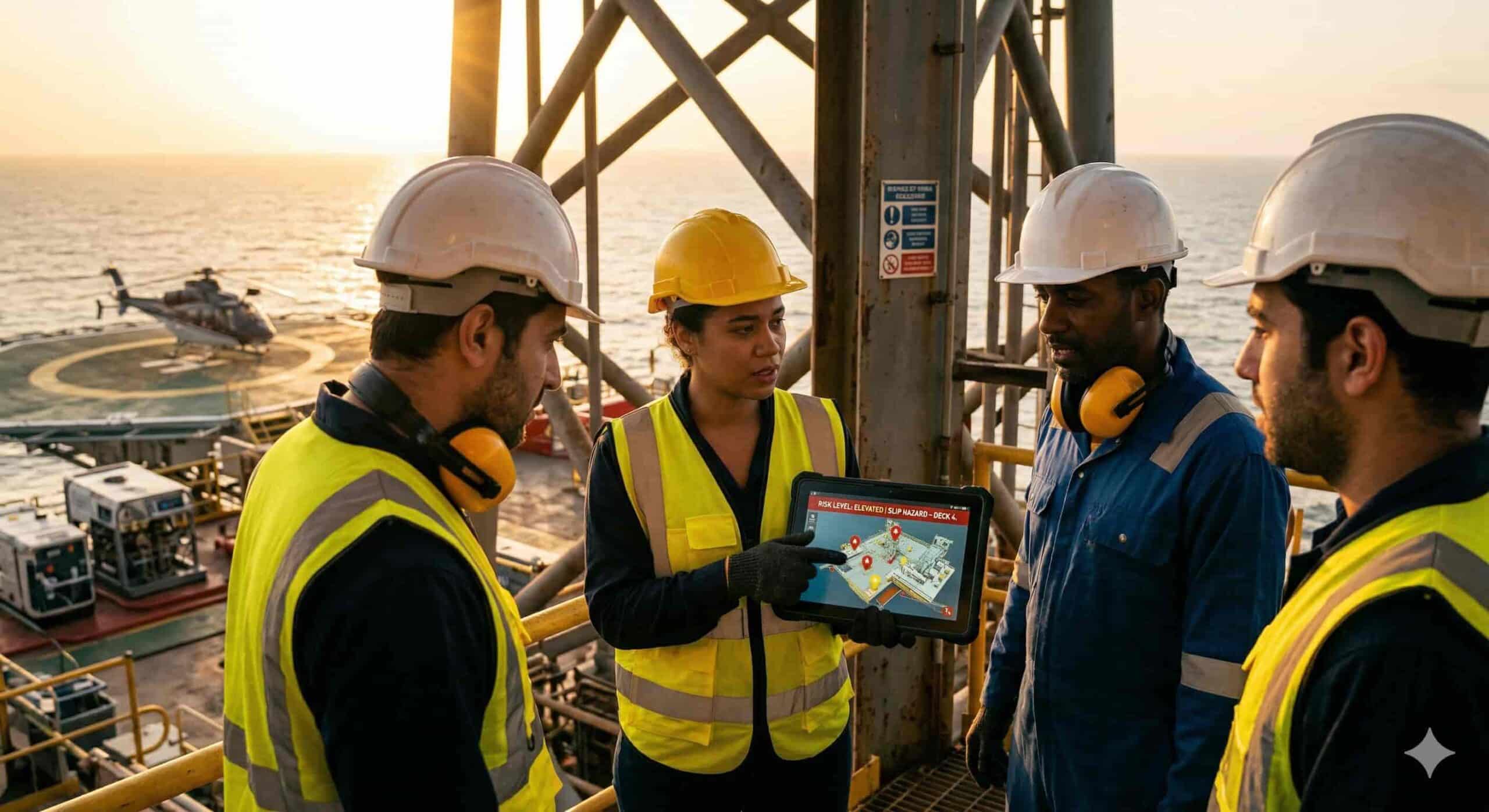
From Posters to Platforms: Evolution of Workplace Safety Communication
Bulletin boards, printed manuals, and posters near break rooms or production floors were once the standard for sharing safety messages …
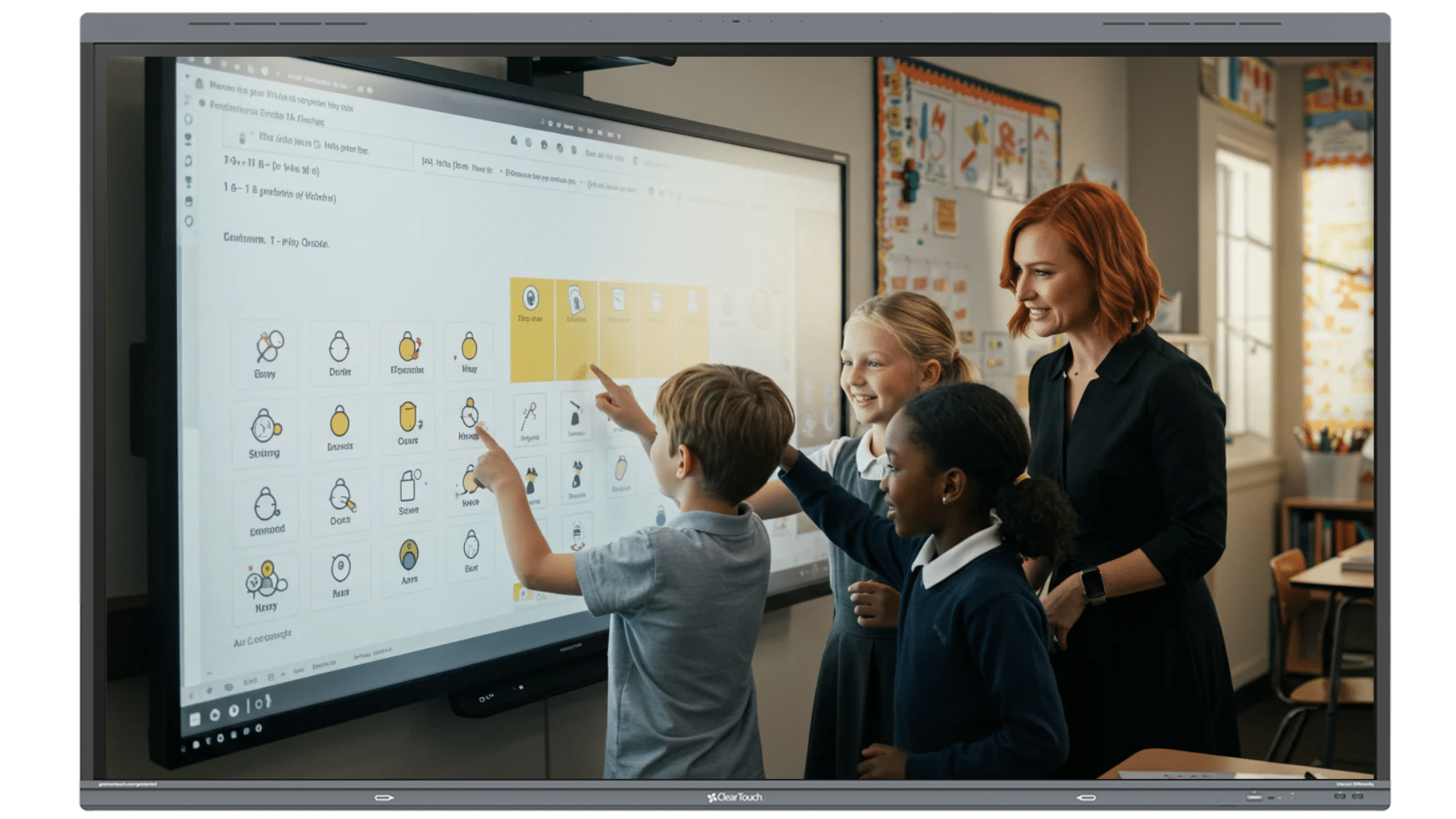
Attention is hard to capture and even harder to keep. In classrooms, students tend to lose focus when lessons feel repetitive or one-sided. In workplaces, employees often miss safety messages when they are unclear or lack visual aids.
Technology can bridge that gap, and that’s where Clear Touch interactive displays come in. They provide dynamic, touch-screen displays that make lessons more engaging in schools and deliver clear, real-time safety notices to workplaces.
Let’s explore how they can further help your school and organization.
Schools and workplaces often face similar challenges: maintaining attention, improving engagement, and delivering timely information.
Today, technology is always within our reach. In fact, Americans spend more than 5 hours per day preoccupied with phones, tablets, or laptops. We respond well to touchscreens because they are interactive, visual, and easy to use.
That same engagement can extend to larger interactive displays. Instead of passively watching a screen, students and teachers can touch, collaborate, and respond instantly. In workplaces, they make safety updates, training materials, and real-time alerts clearer, more visible, and harder to overlook.
By bringing everything into one interactive space, these displays promote active participation, improve clarity, and help shift from simply seeing information to true understanding.
Teachers of an elementary school in Chicago noticed a shift after introducing Clear Touch interactive displays. Students became more engaged, focused, and excited about learning, interacting with the panels, taking ownership of lessons, and engaging in deeper discussions.
Teachers also found it easier to deliver lessons with interactive displays as the devices integrated seamlessly with the school’s software and the lesson’s slides. Over time, the technology didn’t just support instruction but also shifted the school’s culture toward more interactive, student-centered learning.
From encouraging participation to making learning more accessible, interactive displays are reshaping today’s schools. Here’s how they make that happen every day.
Interactive classroom technology transforms passive lessons into engaging, hands-on experiences. Students can write, draw, annotate, and collaborate directly on the screen. Teachers can share videos, animations, and images to capture interest and help make lessons clearer and easier to understand.
This active participation improves comprehension and retention. A study found that students using interactive whiteboards scored higher and remained more motivated than those in traditional classrooms. Teachers can also adapt lessons in real time, making learning more dynamic and responsive.
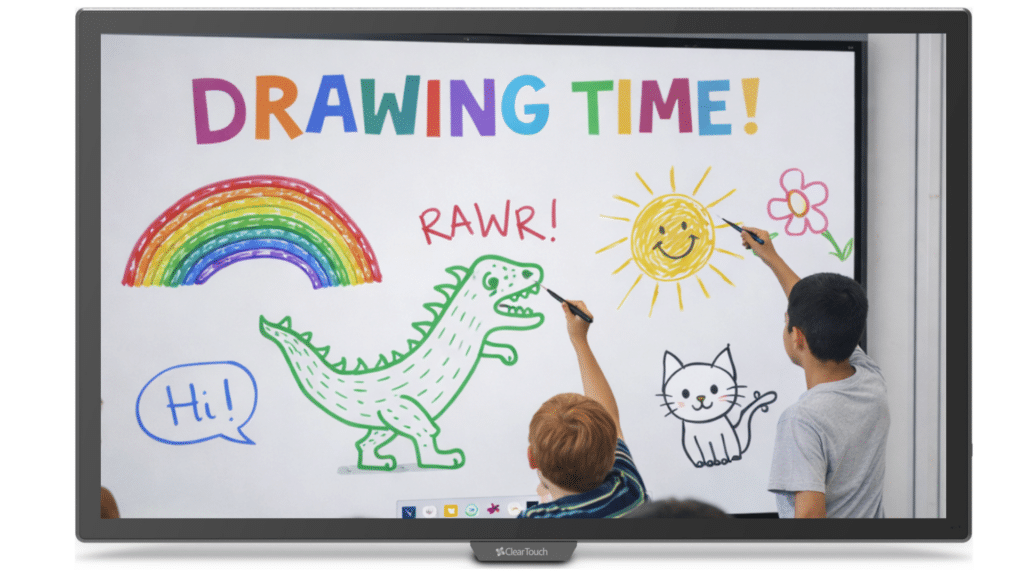
Modern classrooms prioritize collaboration. Educational interactive displays allow multiple students to work on the screen simultaneously, whether brainstorming ideas, solving math problems, or completing group tasks.
The collaborative approach encourages teamwork and meaningful discussion among students and teachers alike.
Accessibility remains a critical part of effective teaching. Interactive displays support Universal Design for Learning (UDL) principles by offering multiple ways to present and interact with information.
Educators can integrate visuals, audio, hands-on interaction, and digital tools to cater to diverse learning needs. This flexibility helps ensure that more students—like those with ADHD and dyslexia—can access and engage with the material that works best for them.

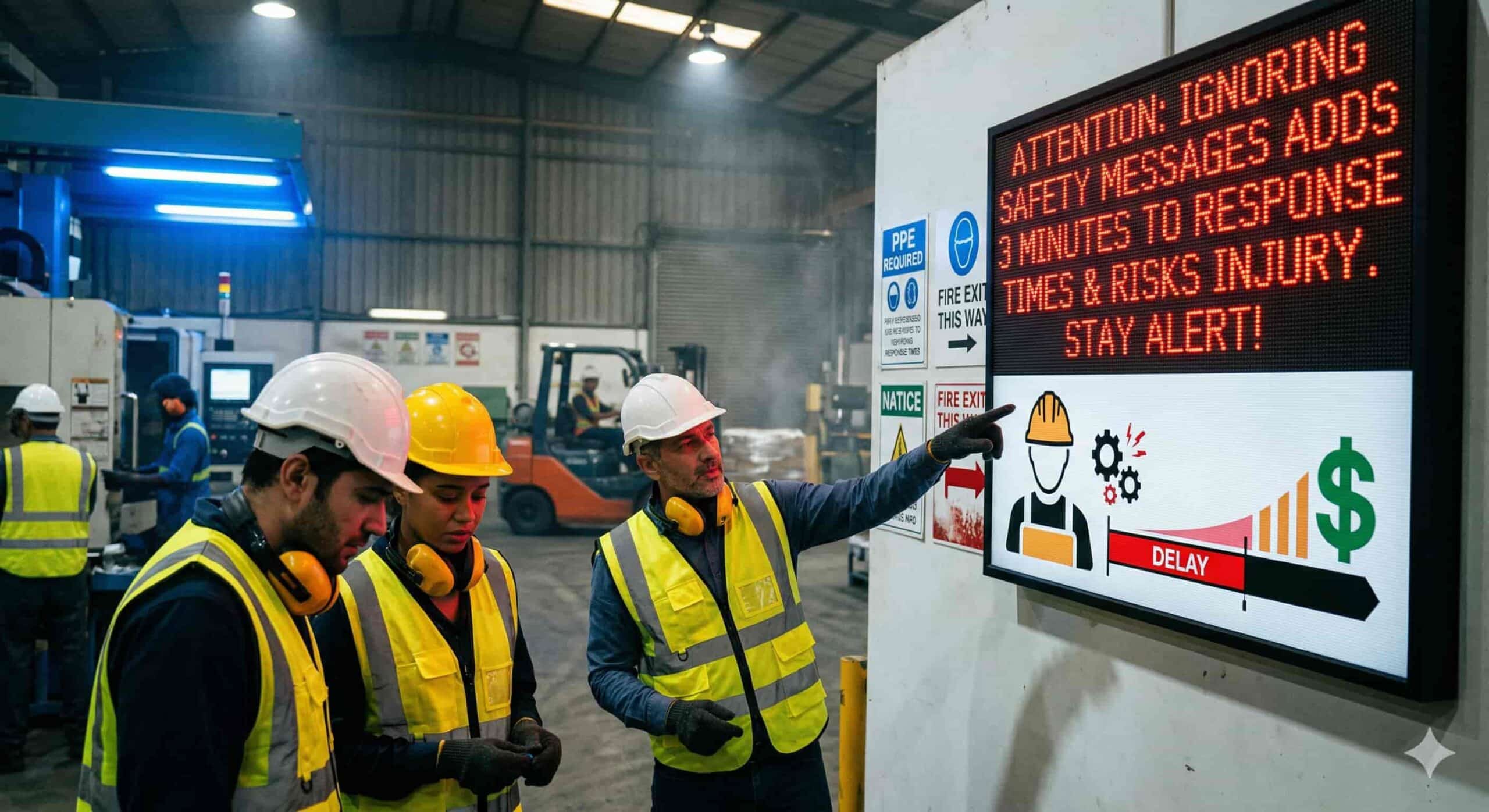
In 2024, U.S. employers reported about 2.5 million workplace injuries and illnesses, along with 5,070 fatal work injuries. These numbers show that safety remains a serious concern in many industries.
While organizations cannot prevent every incident, clear and timely communication makes a real difference. Spending a few minutes installing and programming Engage S3 and Clear Touch is better than spending a whole year encountering workplace accidents.
Here’s how workplace safety displays help support safer environments:
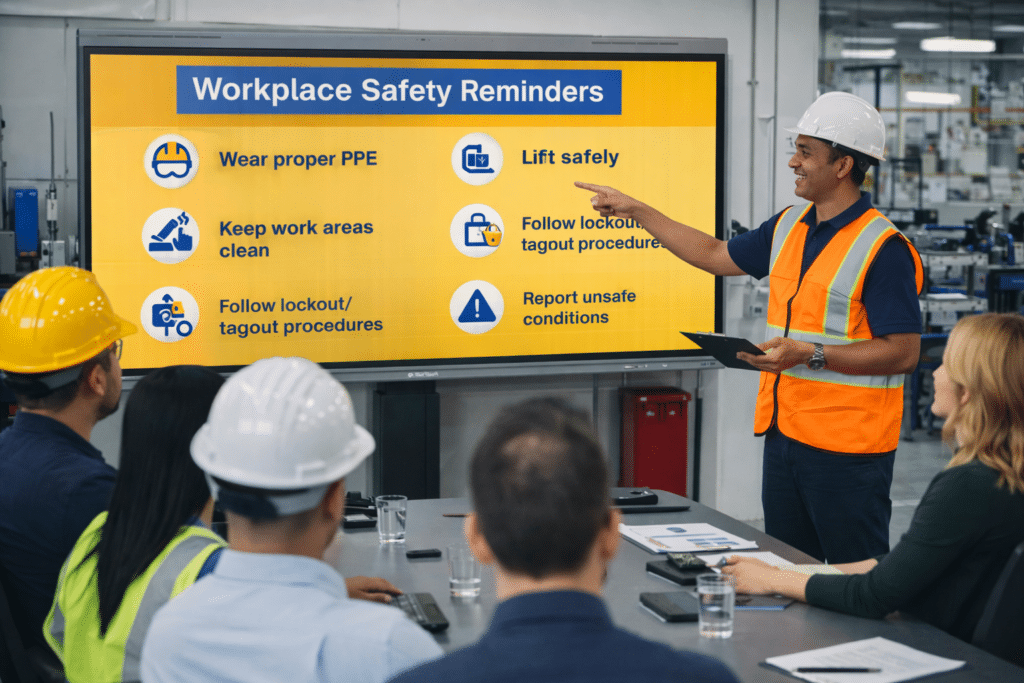
Clear safety communication displays during emergencies protect employees and visitors. They provide visible alerts, evacuation instructions, and safety updates across facilities. For example, once integrated into the workplace’s system, Clear Touch can pause whatever task an employee is doing—whether it’s updating spreadsheets at their workstation or giving a presentation in the boardroom—and flash emergency alerts on the screen.
These integrate with notification systems to broadcast alerts instantly and maintain consistent messaging during time-sensitive events. Some facilities saw a 20% drop in incidents after using digital displays for workplace safety reminders on equipment handling and PPE use.
Interactive safety training and instruction provide clearer displays that are easier to understand. Instead of static slides, trainers can use videos, simulations, and live demonstrations that reinforce procedures.
This approach improves retention and accountability. Employees gain a clearer understanding of policies and emergency protocols.
Large-format displays improve visibility across production floors, hospitals, warehouses, and corporate offices. Managers can access dashboards, compliance metrics, incident reports, and performance indicators in real time.
By keeping key data visible across departments or production floors, organizations promote accountability and proactive decision-making. Clear visibility supports a stronger safety culture across the entire facility.
While there are many interactive screens available in the market, Clear Touch technology offers features designed for both collaboration and reliability, making it a strong choice for schools and businesses.
Clear Touch interactive displays improve classroom engagement and strengthen workplace safety awareness. They help educators create interactive lessons, keep students engaged, and support teams in staying informed and safety-aware at work.
If you’re ready to create more engaging learning spaces or strengthen communication across your organization, partner with S3 Technologies for expert design, installation, and ongoing support for your own interactive display solutions.
They encourage student participation and help educators deliver interactive lessons that improve focus and retention. They can write on screens, move content, solve problems, and interact with videos or apps.
Clear Touch displays show real-time alerts, emergency messages, and safety updates. Their large, highly visible screens make messages hard to miss. They also integrate with existing communication systems for quicker coordination.
They connect easily with your existing learning platforms, video conferencing tools, safety systems, and network infrastructure. That means you don’t have to replace everything; you can build on what you already use.
Yes. Their durable design and high visibility make them suitable for busy, high-traffic areas such as manufacturing floors, hospitals, and corporate facilities.
Yes. IT teams can monitor, update, and manage displays from a central location with their remote management tools.
Bulletin boards, printed manuals, and posters near break rooms or production floors were once the standard for sharing safety messages …
Safety signs, policies, and reminders exist for a reason: to prevent injuries and protect employees. Yet incidents still happen. Why? …
Classroom learning today goes beyond textbooks and chalkboards. It’s interactive, visual, and powered by audiovisual (AV) tools that make lessons …
Public sector agencies bear the weight of protecting communities and delivering services. Leaders depend on clear visual intelligence to act …